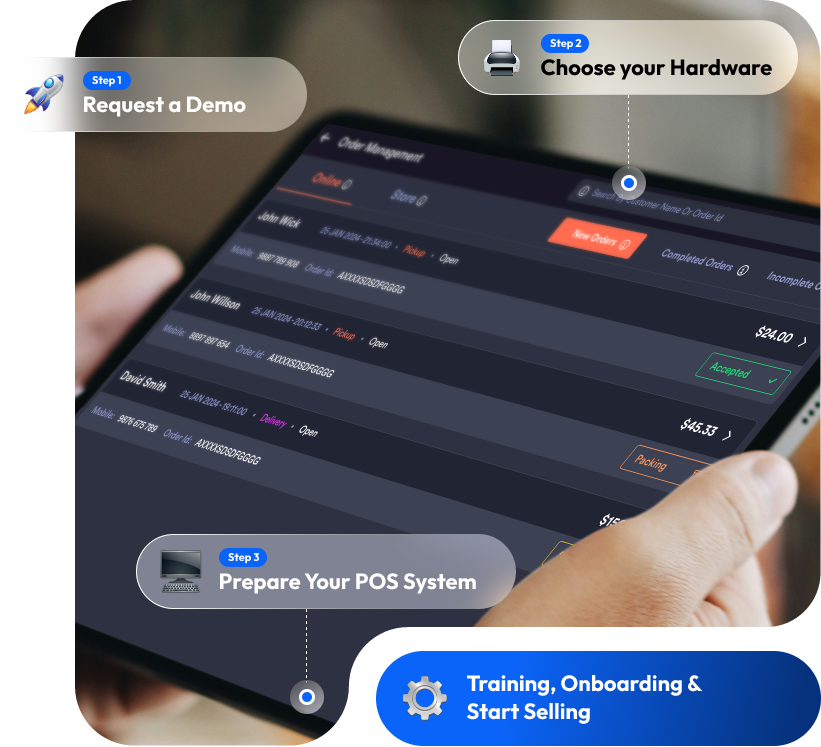
Quickvee POS onboarding steps from demo request to store setup

A Step-by-Step Guide to Getting Started with Quickvee POS

Whether you’re opening a new store or switching systems, Quickvee makes it easy to get up and running in just a few steps. Here’s how to get started:

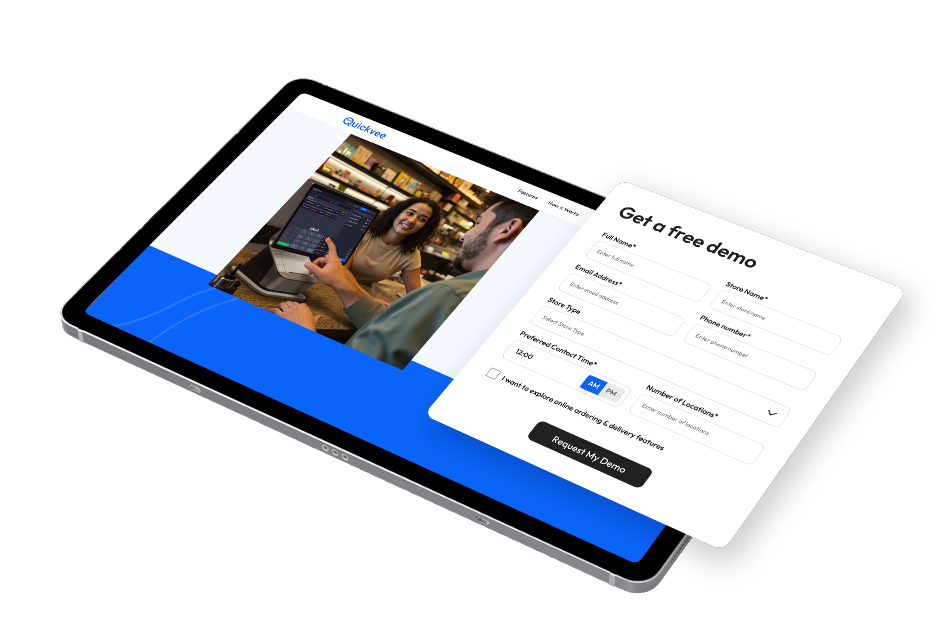
Request a Demo or Sign Up

Get Started

Sign Up or request a request a demo

What Happens Next

  • After your demo you can sign-up, you’ll receive an eSign agreement.
  • Sign the agreement to begin the onboarding process.
Quickvee POS demo request and sign-up screen

Approval &
Account Setup

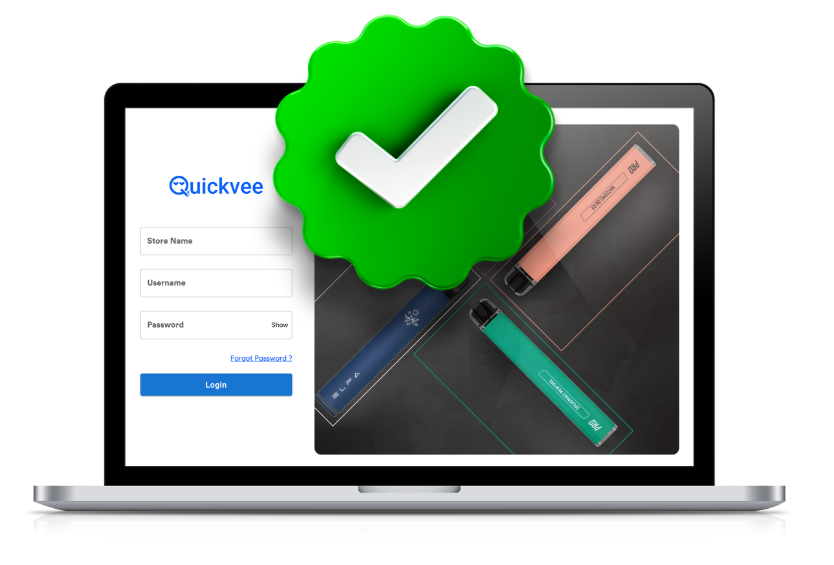
Accounts are typically approved within 24 hours.

Once approved, you’ll receive:

  • A welcome email
  • Your Quickvee POS login credentials
  • Access to the backend dashboard
Quickvee POS account approval and login screen

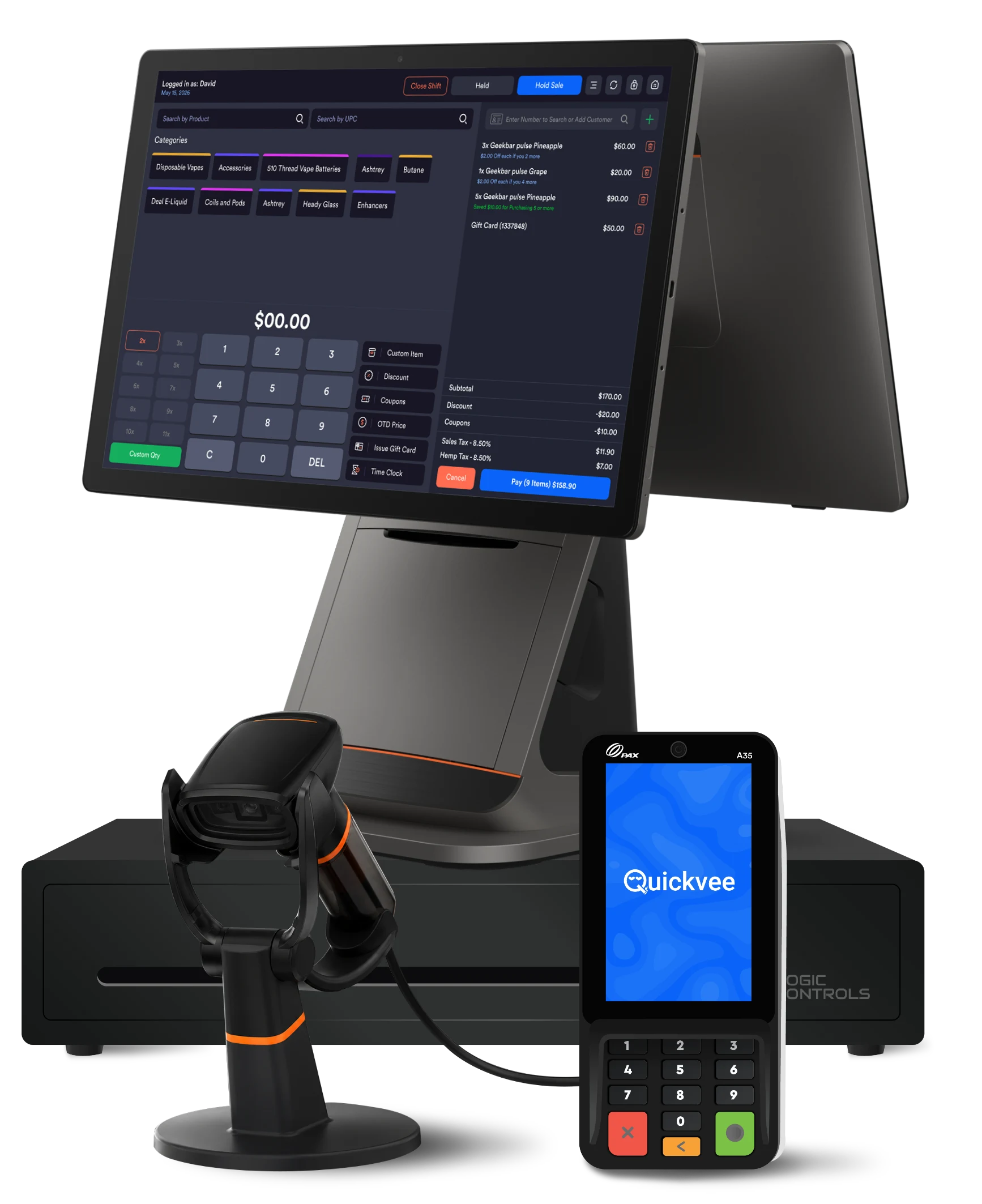
Choose & Order
Your Hardware

Choose Your Bundle

Visit to:

Need help? Our Sales Support Team is available to guide you through choosing the right setup.

Quickvee POS hardware bundle with register and card reader

Prepare Your
POS System

While your hardware is preparing to ship:

  • Use your login credentials to access the Quickvee dashboard

Start setting up your store:

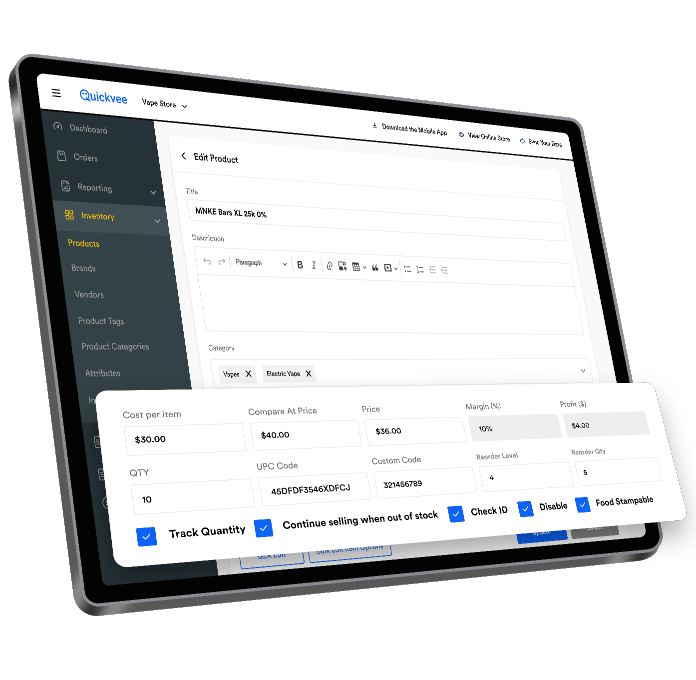
  • Add items manually or
  • Import inventory via CSV for bulk setup
Quickvee POS product setup screen showing pricing and inventory fields

Training &
Onboarding

Once your system arrives:

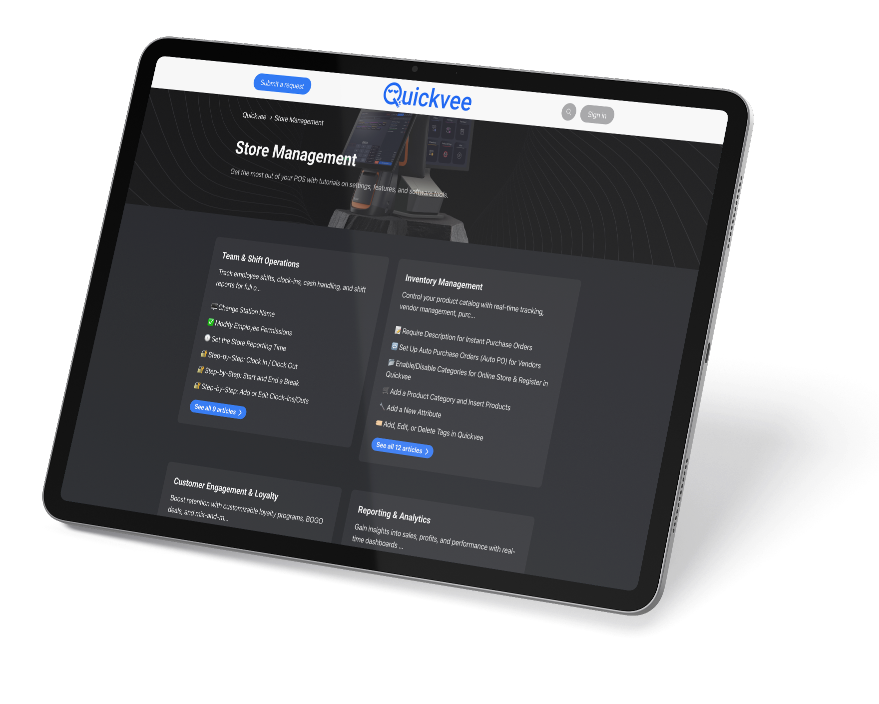
  • Step-by-step tutorials
  • Video training library

Prefer personalized help?

Book a 1-on-1 onboarding session with our support team to walk you through setup and best practices.

Quickvee POS store management dashboard with training and setup resources

Start Selling

Your system is ready — you can now:

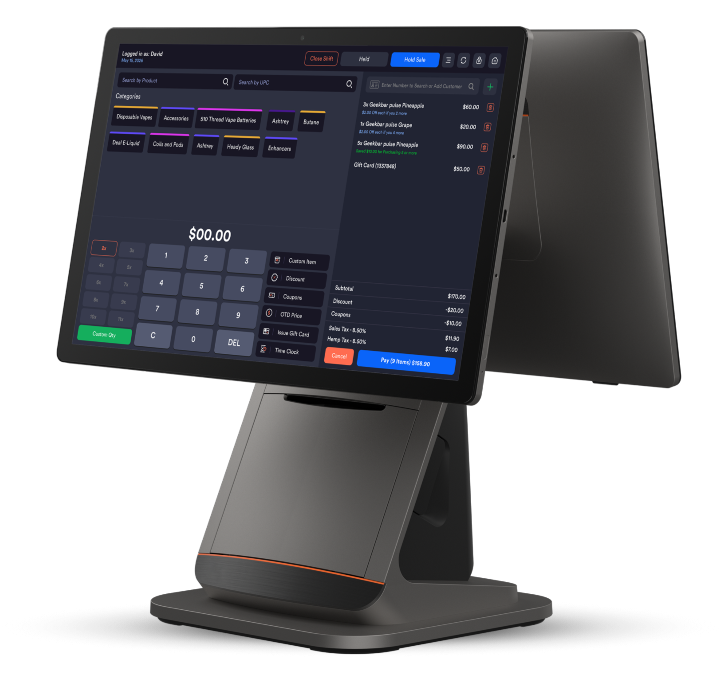
  • Ring up sales
  • Track inventory
  • Apply promotions
  • Manage staff and shifts
  • Run reports with ease
Quickvee POS register screen ready to ring up a sale
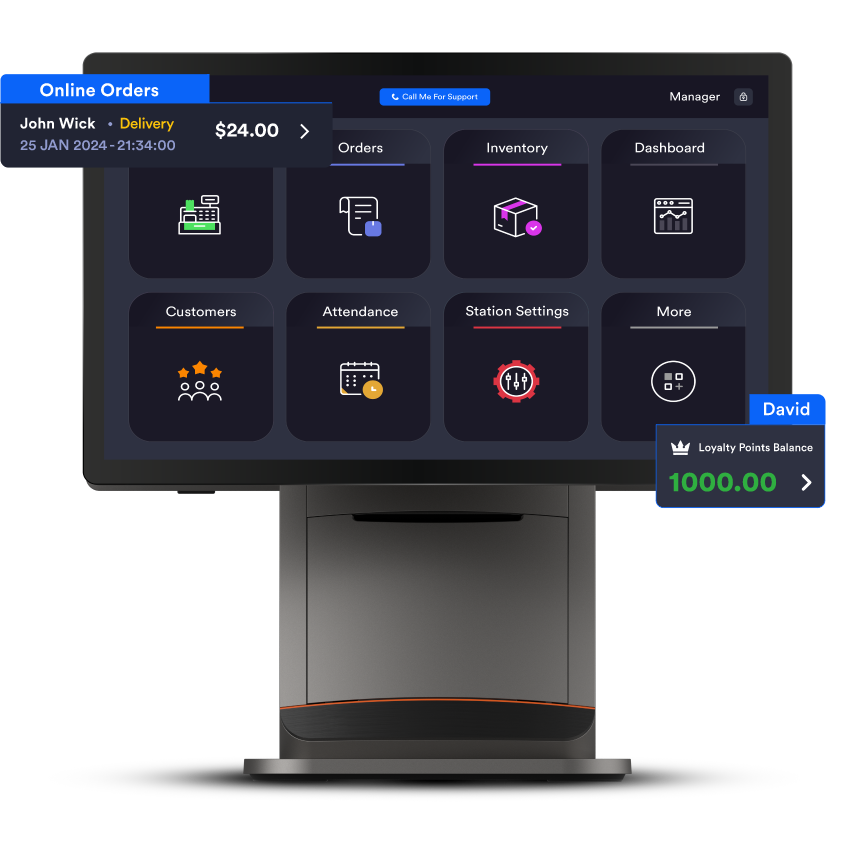
Quickvee POS online orders and store management dashboard

Optional Add-ons

Enhance your POS system with premium features:

Ask your account manager to activate these features at any time.

  • Enable Online Ordering
  • Activate Scan Data Reporting
  • Offer Subscription Products
  • Enable Loyalty & Rewards Points

Need Help?

Our team is here for you:

Sales & Support: 1-800-390-1940 | 1-800-280-3980

Email: support@quickvee.com

Knowledge Base: help.quickvee.com